


Pick your operator
Choose your DTH or cable operator from the list.
See your current pack, pick channels or bouquets from your operator, and find a cheaper combination — in your own language.
Choose your DTH or cable operator from the list.

Use your registered mobile number, Subscriber ID or viewing card number, then verify with an OTP.

Add channels or bouquets. We’ll flag a cheaper combination if there is one.

Your operator confirms the change and you pay through them, securely.

Browse your operator’s full list by language and genre. The price you see is the price your operator charges.
 Filter by language, genre or free channelsAdd single channels or whole bouquetsMonthly price shown on every channel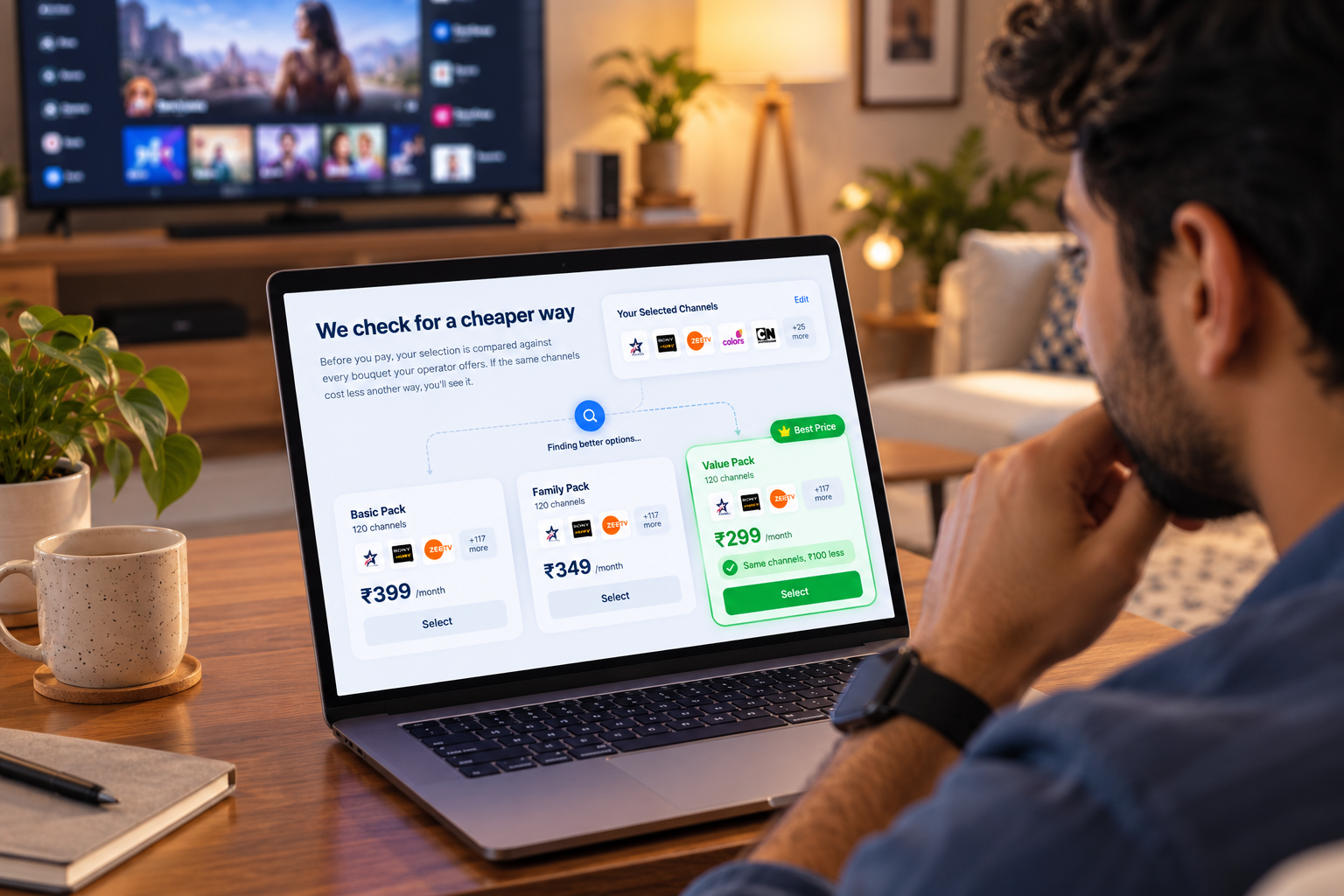
Before you pay, your selection is compared against every bouquet your operator offers.
Same channels, lower price — shown before you paySwitch to the cheaper option in one tapNo hidden charges added at checkout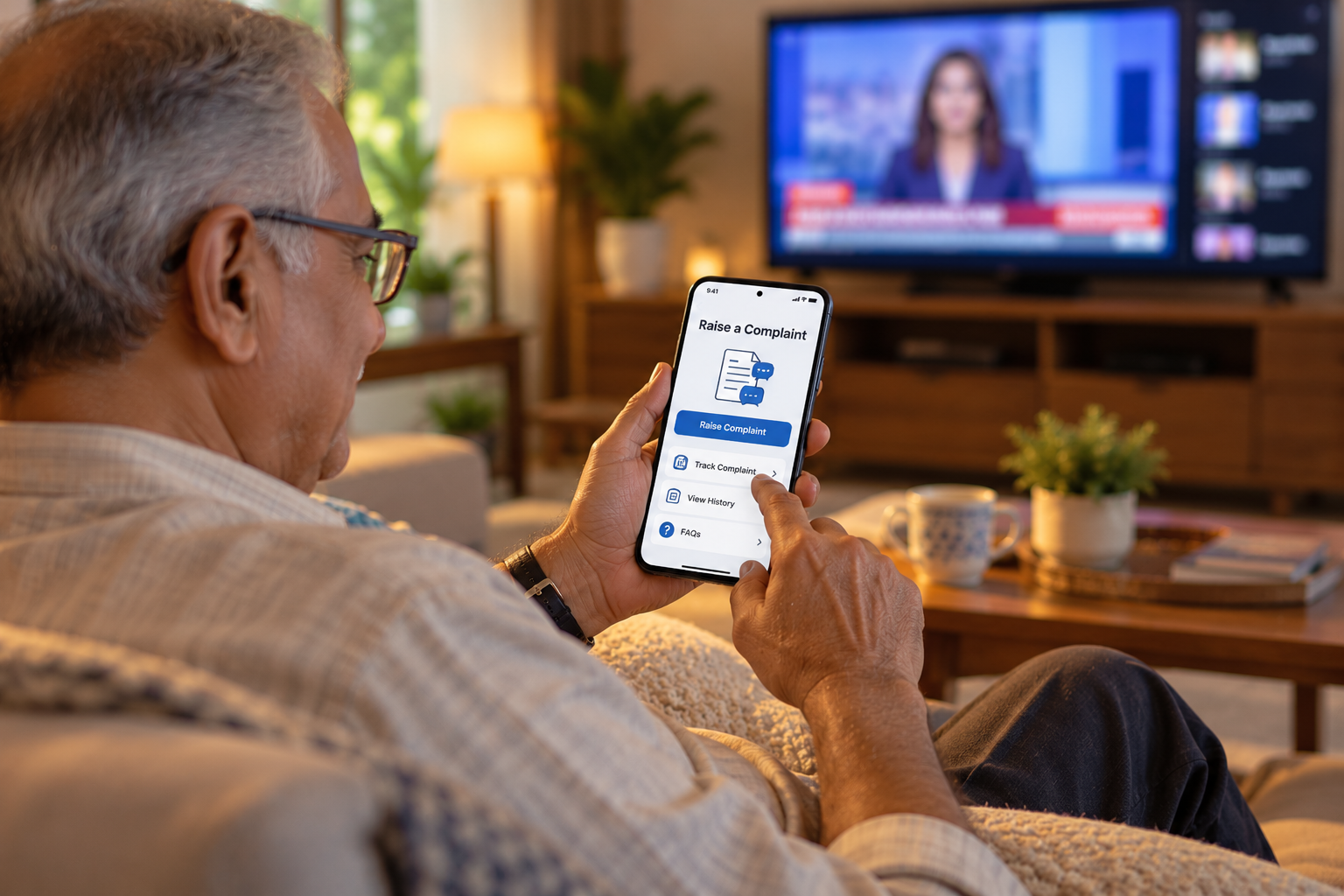
Billing, signal or pack issues go straight to your operator — and you can follow every step.
Docket number sent to you by SMSLive status until it’s fixedEscalate to the nodal officer if it’s overdue Tata Play
 Airtel Digital TV
 Dish TV
 d2h
d2h Sun Direct
 Hathway Digital
 DEN Networks
 GTPL Hathway
 SITI Networks
 Asianet Digital
 Kerala Vision
Sign in with your mobile number, Subscriber ID or viewing card number. Free for every subscriber.




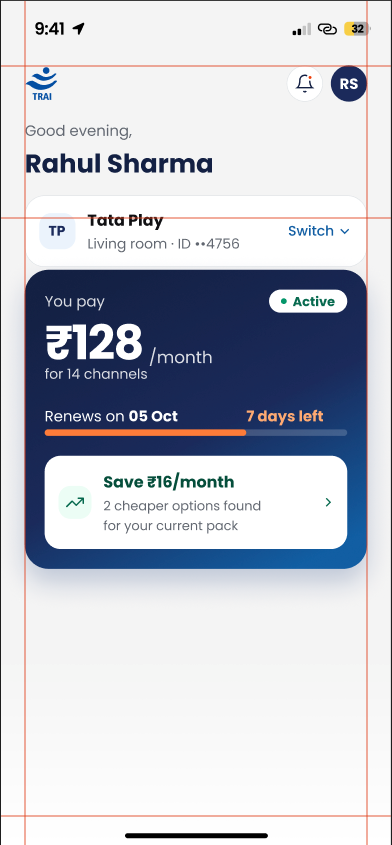
Subscriber can login in the Portal by either Registered Mobile Number or Subscriber ID or Set Top Box Number.